Here is an example of the difference between a color-corrected shot and an uncorrected one.
This is a picture of my dog, Alley. The pic was shot with the kit lens, ISO 1600, 18mm focal-length, f/3.6, 1/6 second shutter time with VR on.
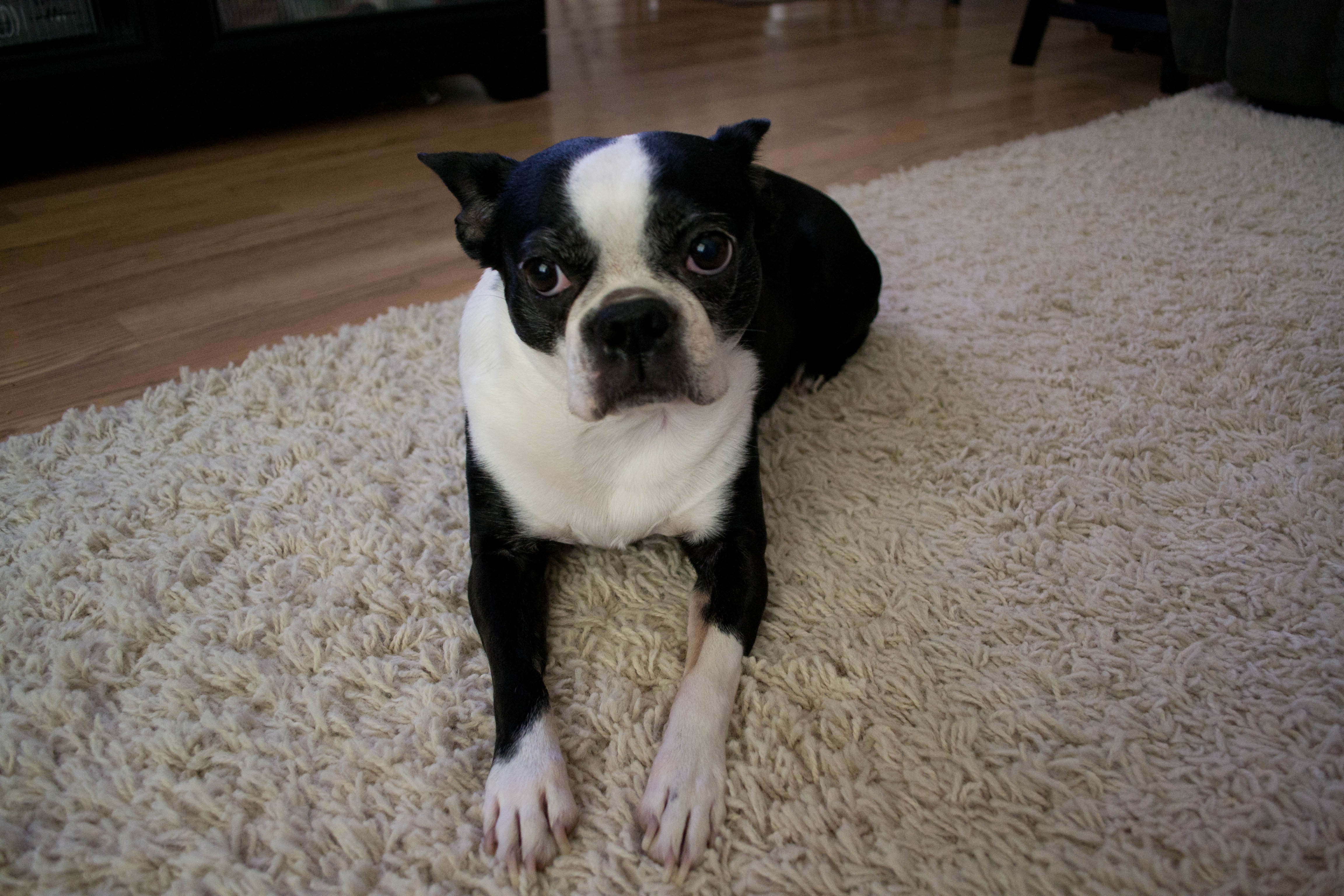
Over all, I thought that the picture came out pretty well given how low the light was in my living room at the time. However, after installing Lightroom and learning how to go about adjusting the color of the photos, this is what I came up with after making a few changes.
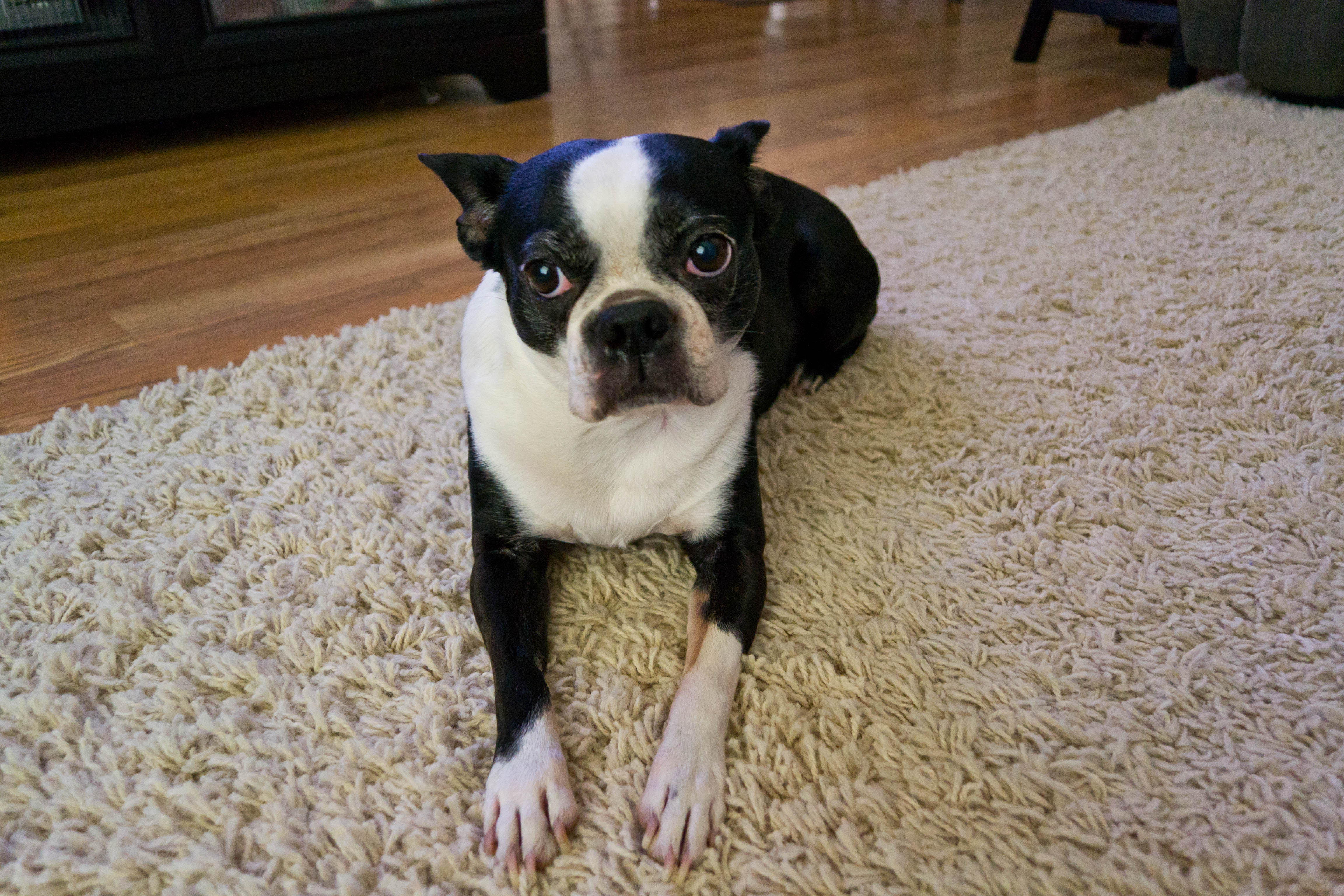
As you can see, the change is relatively subtle, but the second picture is so much nicer than the first.
One of the biggest reasons that I didn't want to start correcting photos on the computer was I thought that the whole process was time consuming and tedious. However, after using Lightroom for an afternoon, I realized that it wasn't nearly as involved as I originally thought it was. Also, I've only been correcting the photos that I thought turned out well; the rest were culled. Below is a comparison of two more pictures I took, with the first being prior to correction and the latter being post.
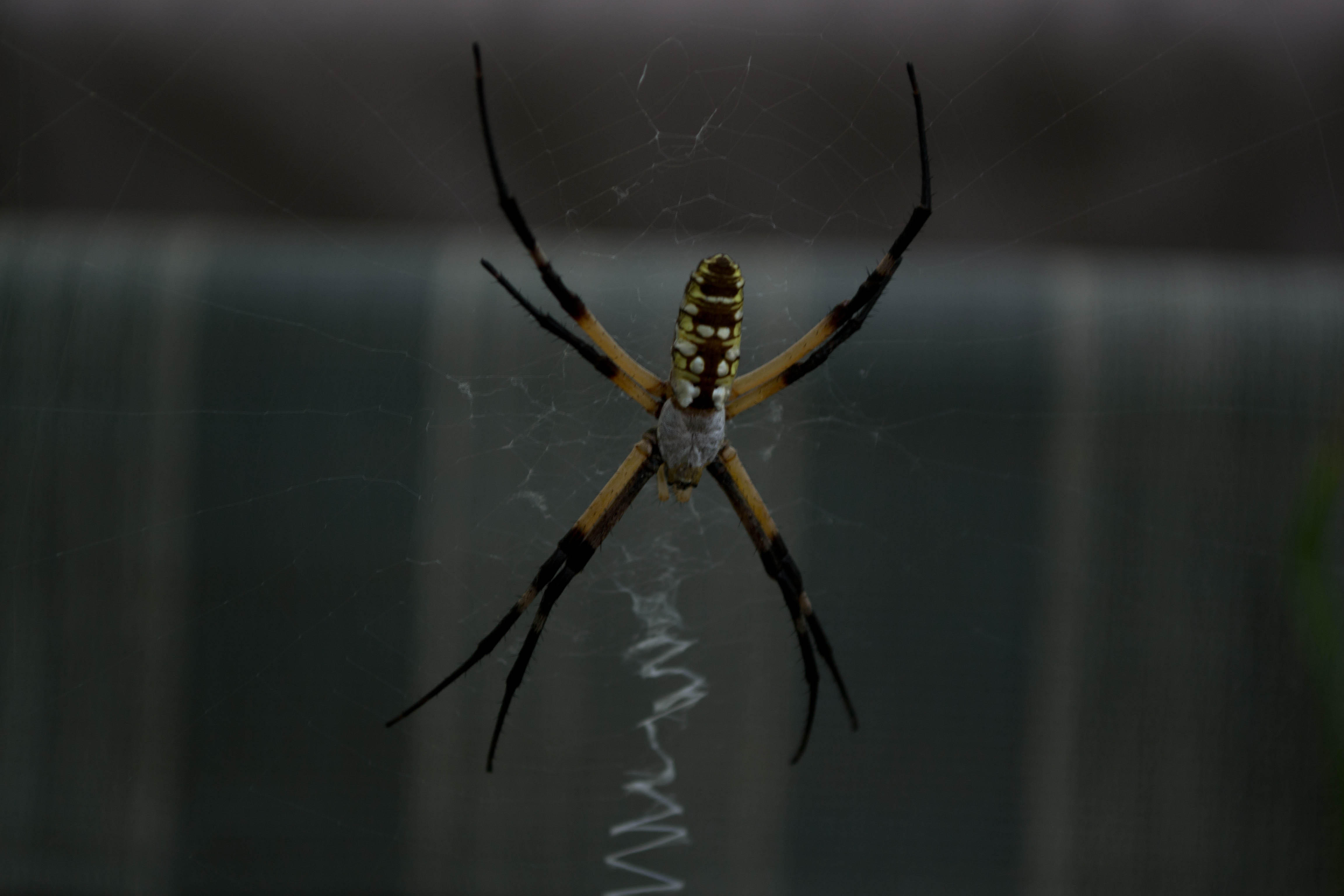
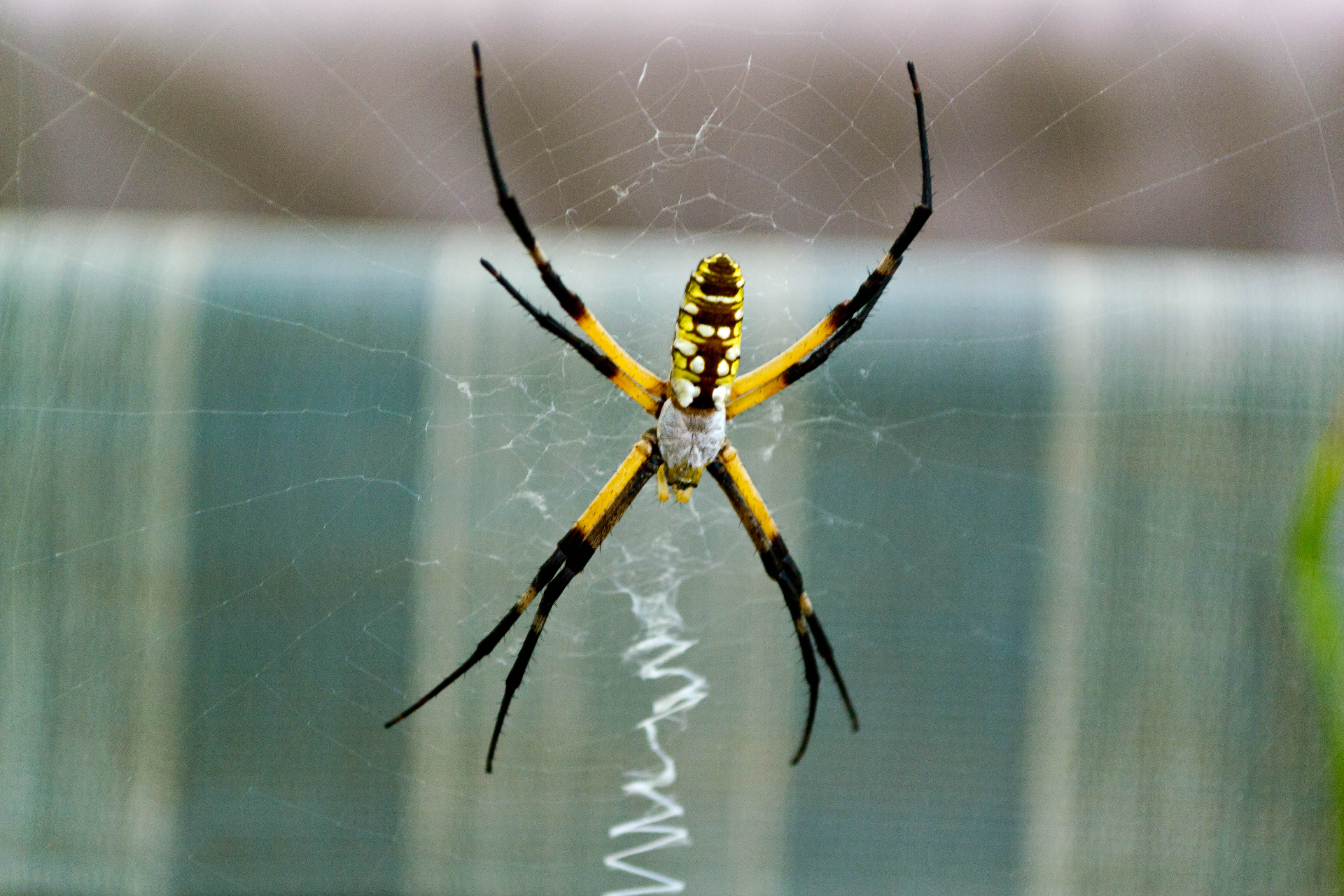
If anything, I over saturated the picture a little after lightening it, but I really wanted the yellow and oranges on the spider to stand out.
Despite the extra time involved, I'll definitely be correcting my photos from now on. The results are just too good to overlook.

No comments:
Post a Comment